Screenshots
The real thing
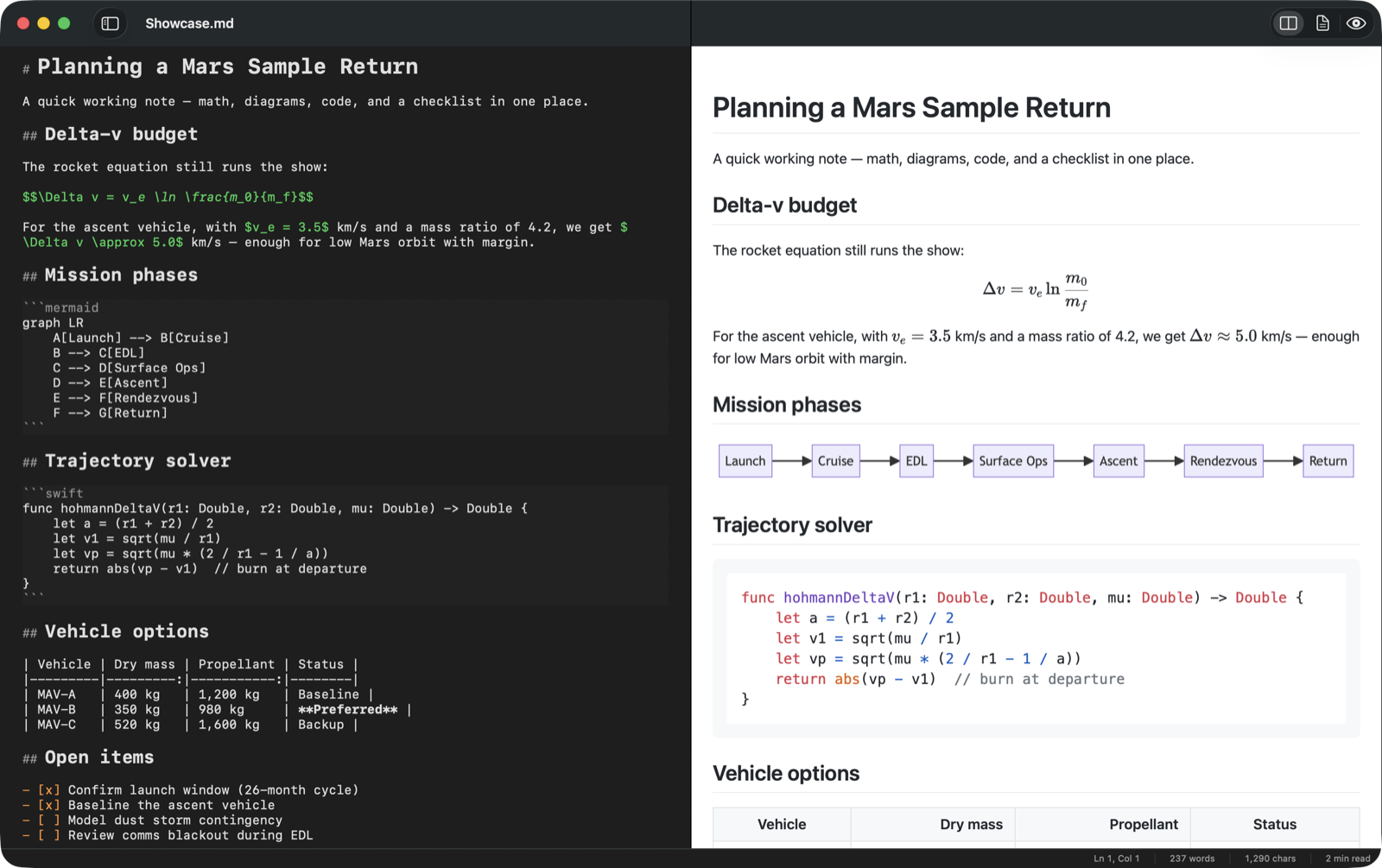
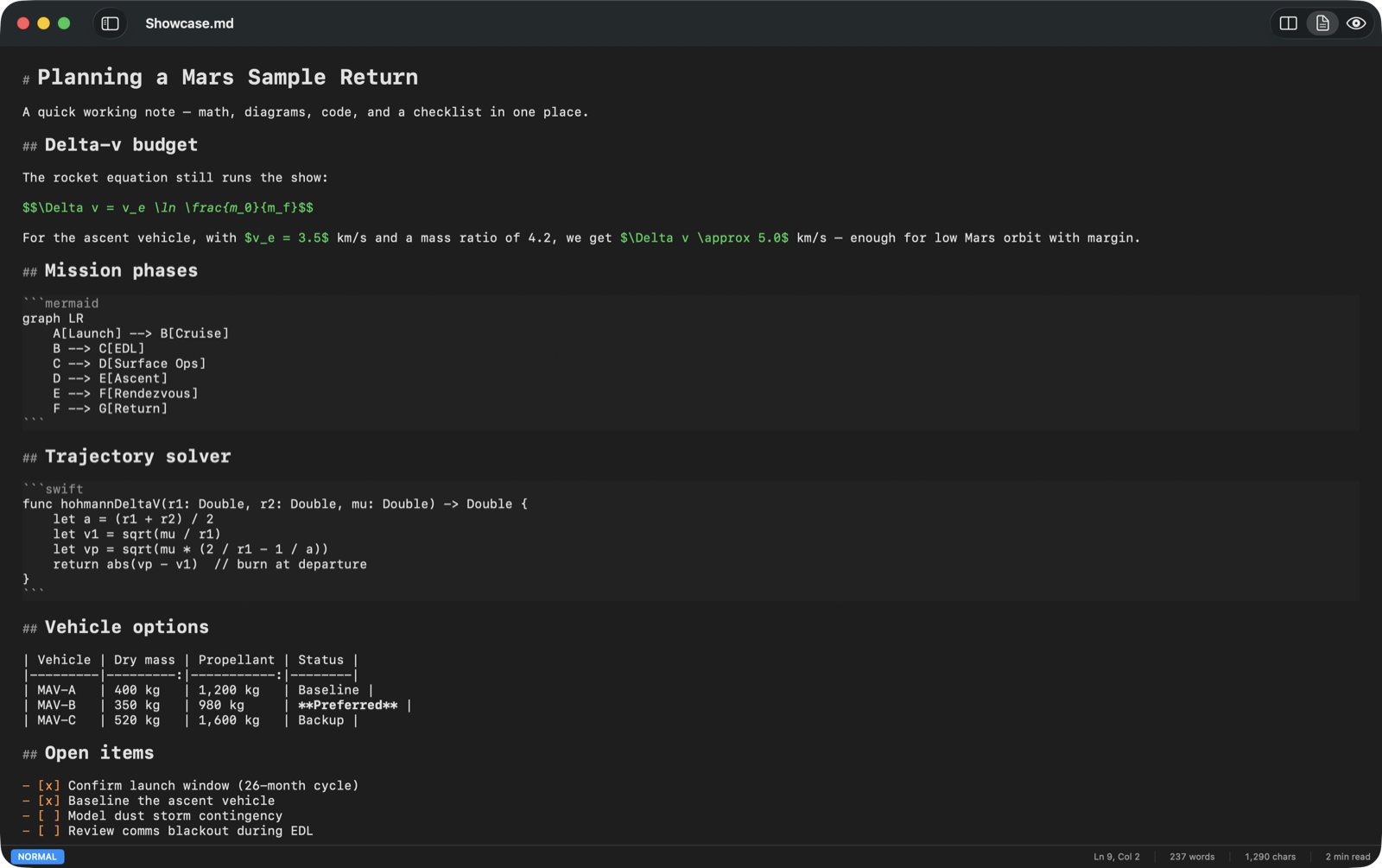
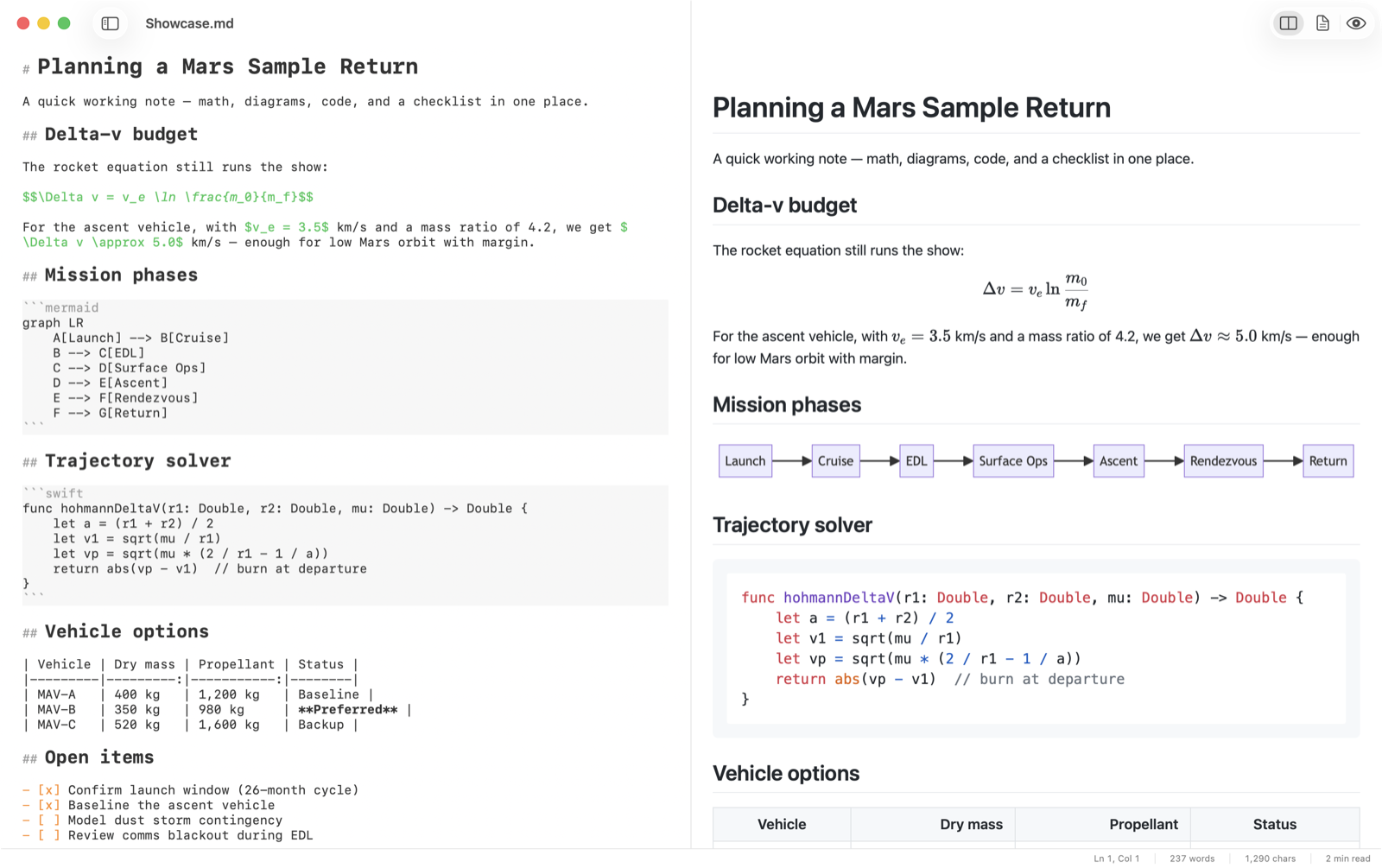
A fast, native Markdown editor for the Mac. Vim motions, live preview, math & diagrams, one-click export — and no Electron anywhere.
free & open source · macOS 14+ · signed & notarized
Write on the left. It renders as you type.
Δv = ve ln(m0/mf)
A small Swift binary, not a browser booting up. Cold start to cursor in well under a second.
Electron editors idle at hundreds of megabytes to render text. AppKit doesn't.
KaTeX, Mermaid, and highlight.js are bundled inside the app. Zero network calls, ever.
Motions, operators, counts, text objects, visual mode, and the dot command. Off by default — flip it on in Settings.
Inline and block LaTeX rendered by KaTeX — and dollar amounts in prose stay dollar amounts.
Mermaid flowcharts and sequence diagrams, plus syntax-highlighted code blocks in the preview.
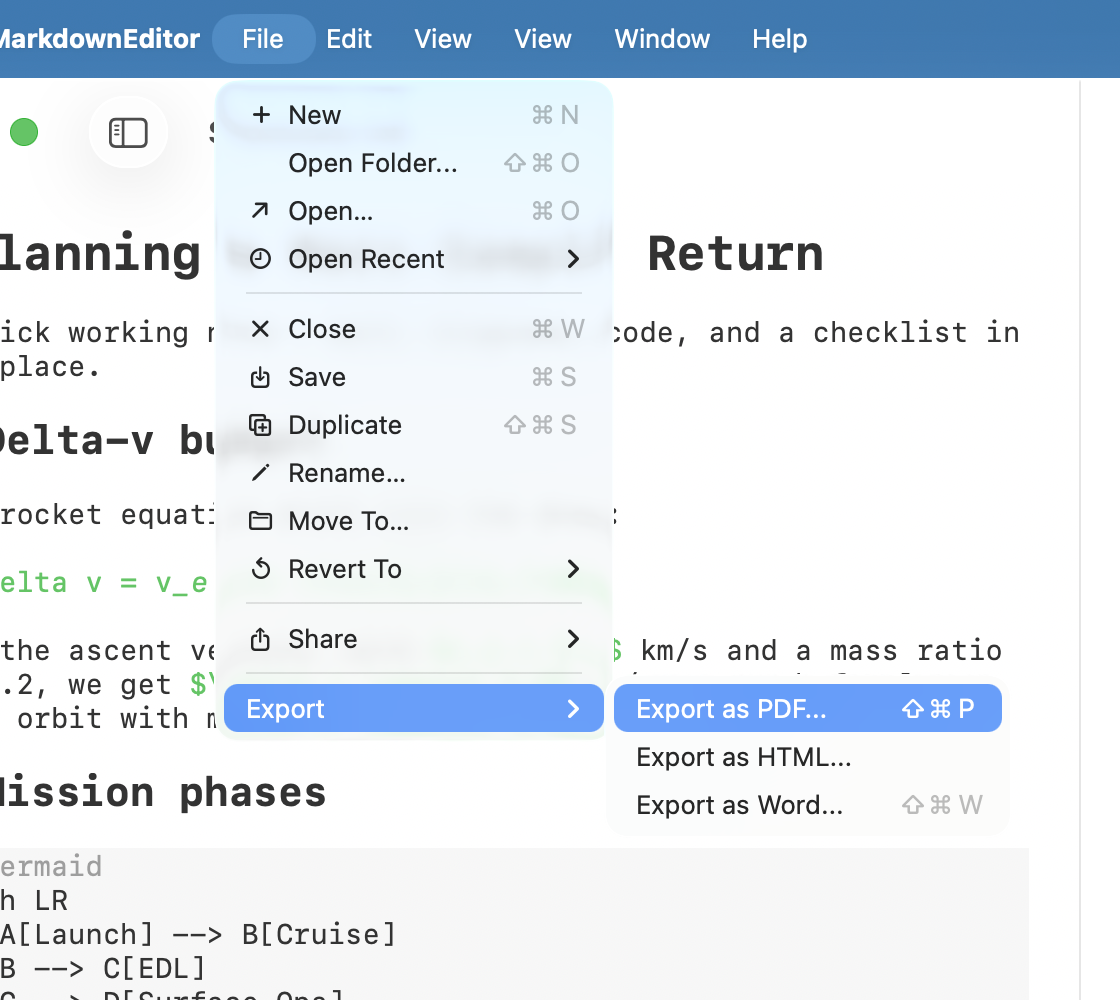
PDF that matches the preview exactly, self-contained single-file HTML, and Word with real headings and formatting.
Open a directory of Markdown as a project. The tree watches the filesystem and updates when files change.
Markdown is the language LLMs read and write. Edit your agent instructions and read the reports they produce as documents, not raw source.
Free, open source, and a 5 MB download. Your RAM will thank you.
macOS 14 (Sonoma) or later · read how it was built